Here is what I learned for DS4 mounting orientation on an OBDII platform:
- As others note, make sure there are no fueling issues or leaks.
- Mount the DS4 IP somewhere in an acceptable range of possible orientations. Don't sweat "exactly perfect", just get it somewhere physically in its happy zone. Trying to get exactly perfect is a bit of a fool's game on an OBDII system as the computer will dynamically control timing and it just needs to know that IP's physical orientation is "good enough" for things to work.
- For enabling the TDCO learn, recommend starting with a cold engine. Specifically, colder than 170*F. Setting the TDCO learn is easily done with the ignition key and throttle. Just look around for the steps as there is a sequence of rotating the ignition to "Run" while pressing the throttle to WOT and rotating the key to "Lock" for a set period of time. Please note that rotating the key to "Start" is the LAST part of the process when ready to actually start the engine. Once ECT climbs to 170*F, the TDCO learn will trigger. When this happens, expect a few seconds worth of engine stumble and either the engine will smooth-out, or not.
- If the engine belches tons of smoke after the TDCO learn and is still not happy, get a reading of the IP's position per scanner, turn the engine off, physically rotate the IP a bit (per reading on the scanner), wait for the engine to cool, and repeat triggering the TDCO learn.
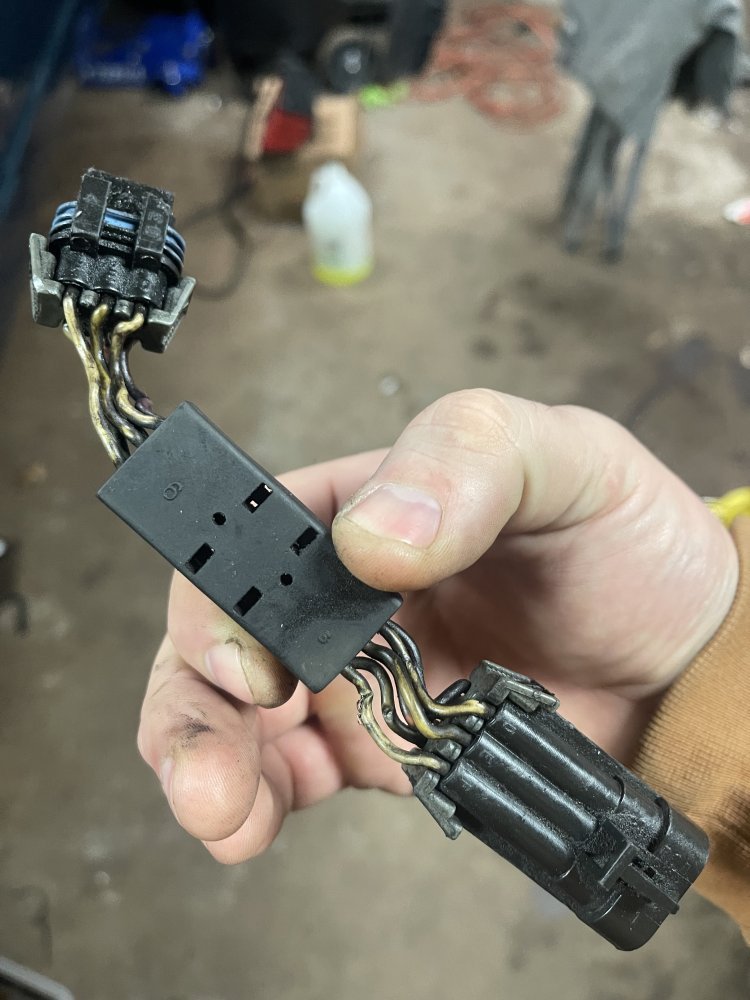
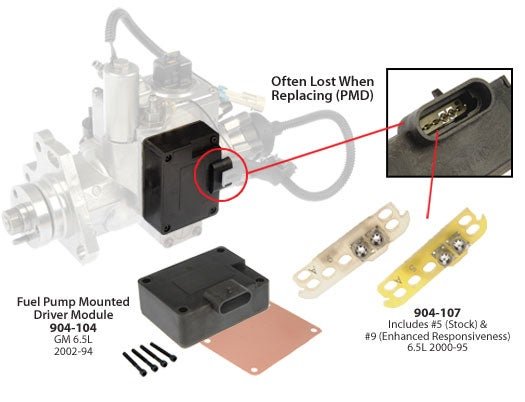
As it seems the 6.5 is a new-to-you purchase, might consider some research on which parts to carry in the truck. Related, where is this truck's electronic pump driver (aka: PMD or FSD); on the IP? If on the IP, best practice is to get a remote mount kit. Keeping the driver on the IP will shorten its life.